Mac
1. Download the .pkg file within your User Account.
2. Double-click the installer file to begin the installation process.
3. Click ‘Continue’.
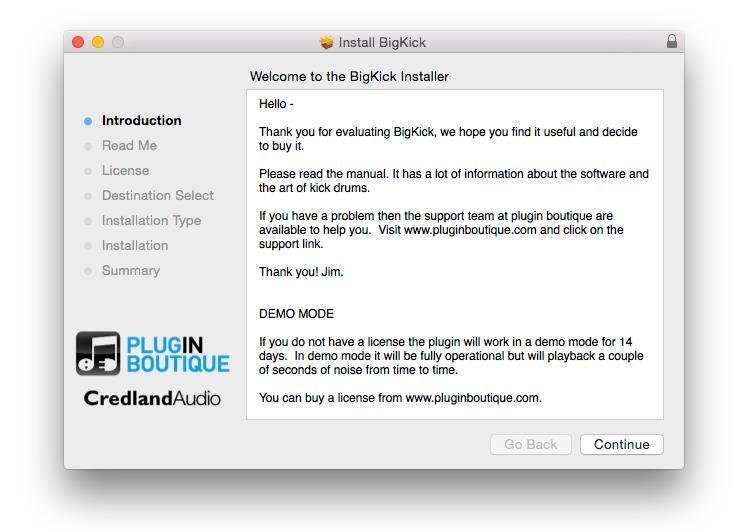
4. Read through the information and click ‘Continue’.
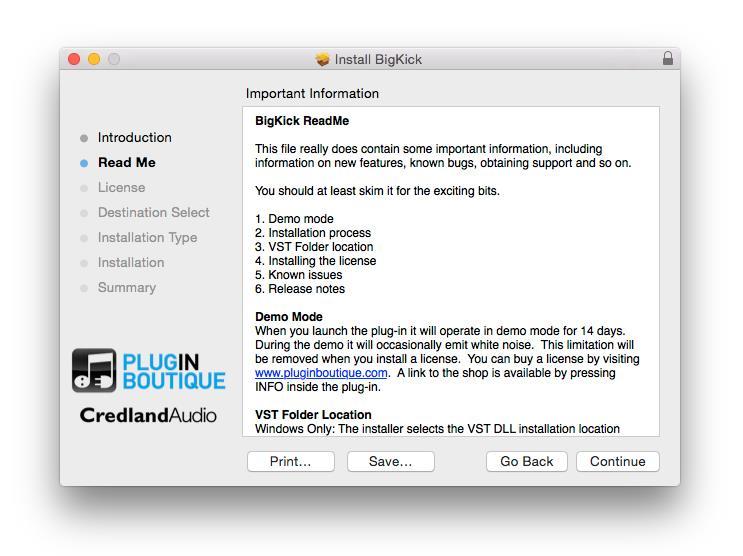
5. Read the Software License Agreement and then click ‘Continue’.
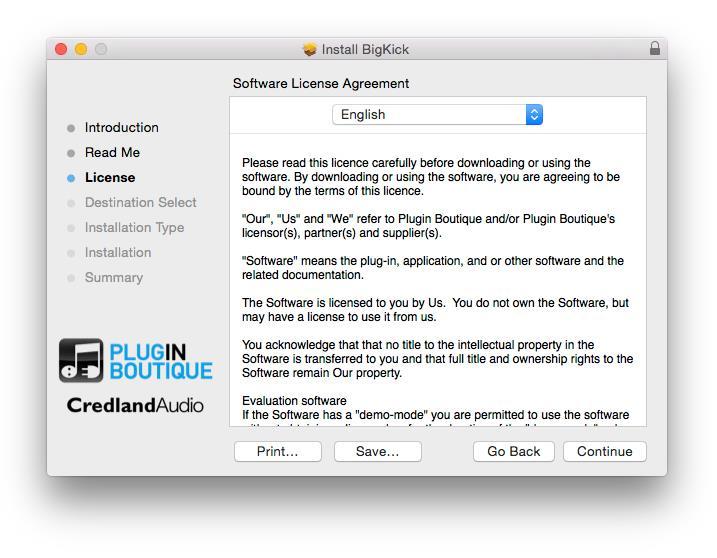
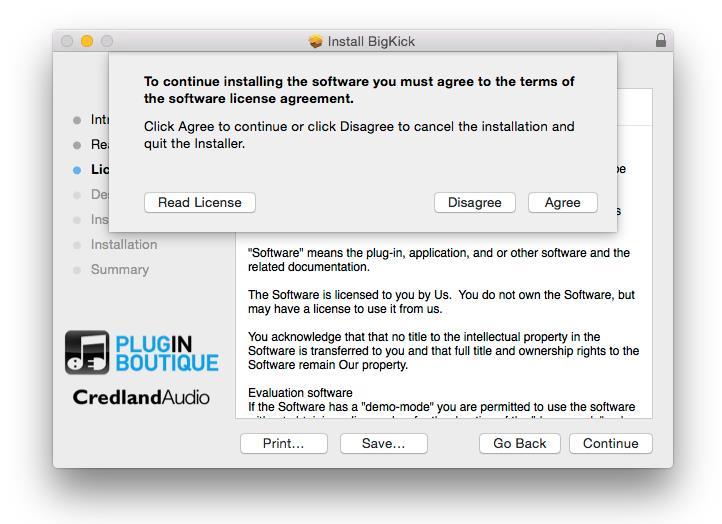
6. Click ‘Agree’.
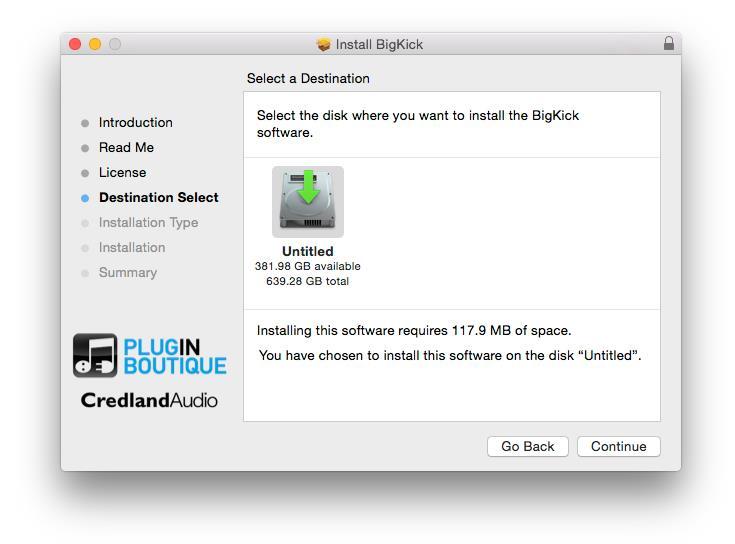
7. Select a computer location in which to install BigKick to > click ‘Continue’.
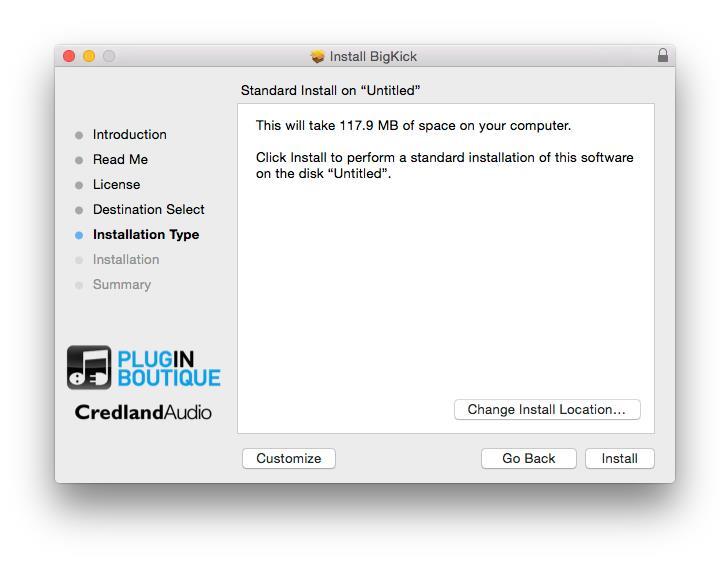
8. Review the installation and click ‘Continue’.
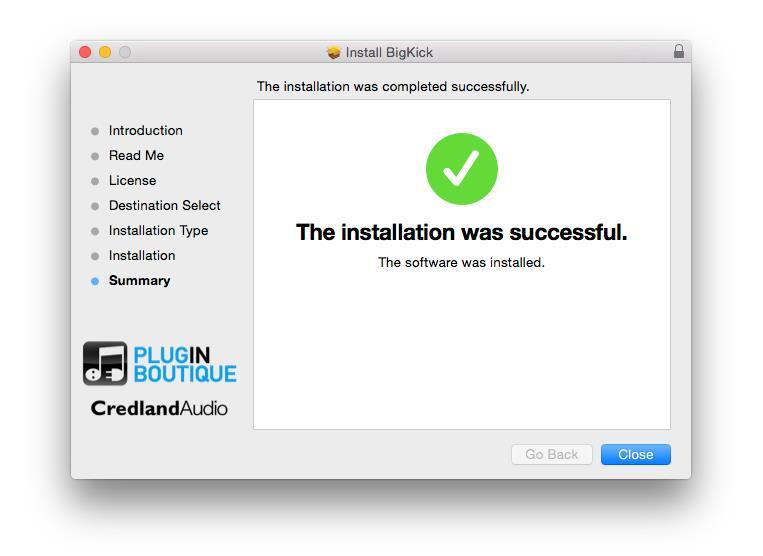
9. The installation of the software has successfully completed > click ‘Close’.
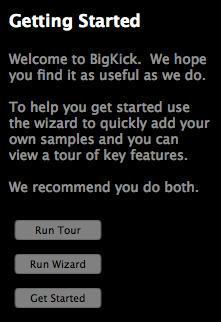
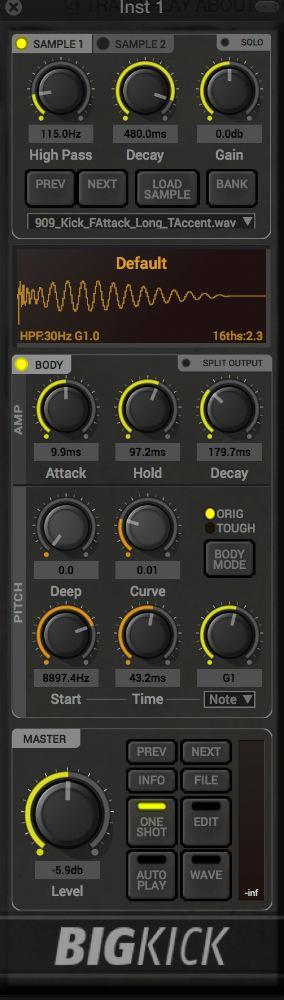
10. Locate and open BigKick within your DAW.
Note: Restart your DAW and rescan your plugin selection, to show the new installation (in the event it fails to appear).
11. Copy the serial code from within your User Account, ensuring to include the ---START--- and ---END--- lines.
Example Serial...
---START---
32472140400000
"garry@pluginguru.com"
"Garry PluginGuru"
tctycbcu76d5hs8hxbxxe5a27fadcbc95d4b26ec01e631bcd756f81a69a
be88ffcd6902cf884c35b50c064e6adcc4ec46fd45112d32e84b6ce2c05
jxucycycyycycy8f1bd020c00ffe96542bfa37db1a1934a21a7ee7e6326
duididididididididi77777199b7398cc3f2760f98deaf453724098183
04f860926df40c1dc659
---END---
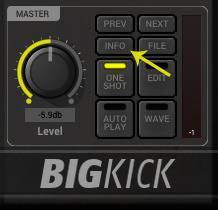
12. Click the ‘Info’ tab that is highlighted by the arrow on the plug-in’s interface.
13. Select ‘Paste License’ and then click the ‘Apply’ tab.

BigKick is now Activated and Ready for Use Within Your DAW!
Windows
1. Download the .zip folder provided within your User Account > double-click the .zip folder to open and reveal the .exe file > select the file to begin the installation process.
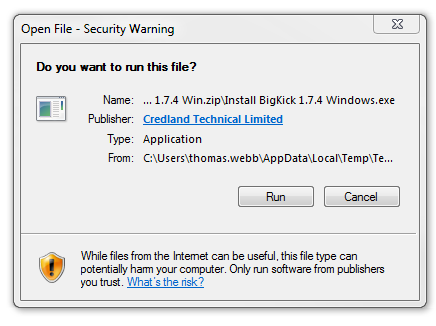
2. Click ‘Run’.
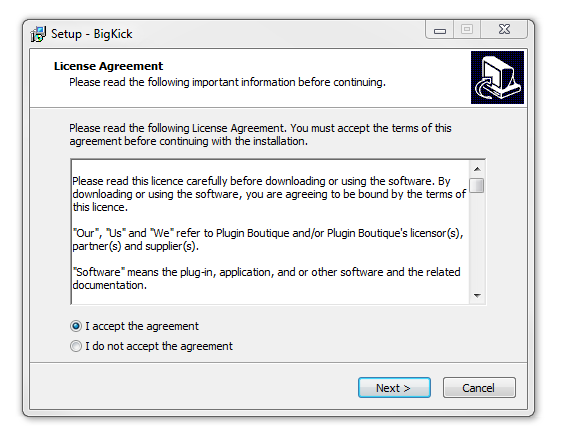
3. Accept the Licence Agreement and click ‘Next’.
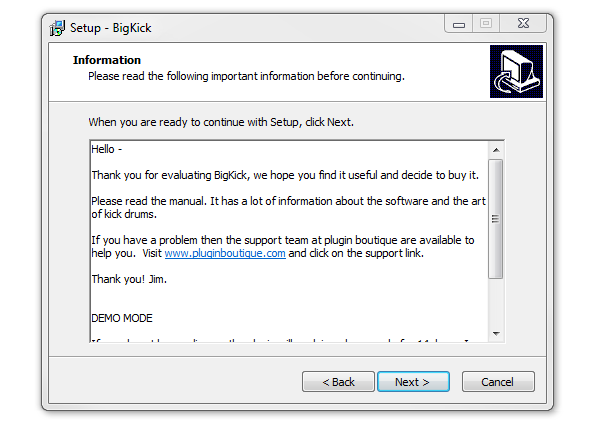
4. Read through the information > click ‘Next’.
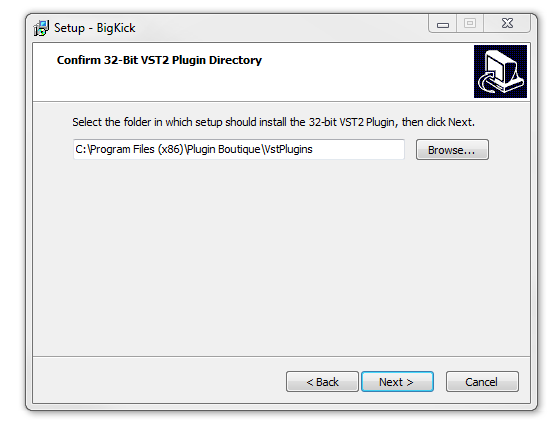
5. Choose and confirm the 32-bit plugin directory in which to save your software to > click ‘Next’.
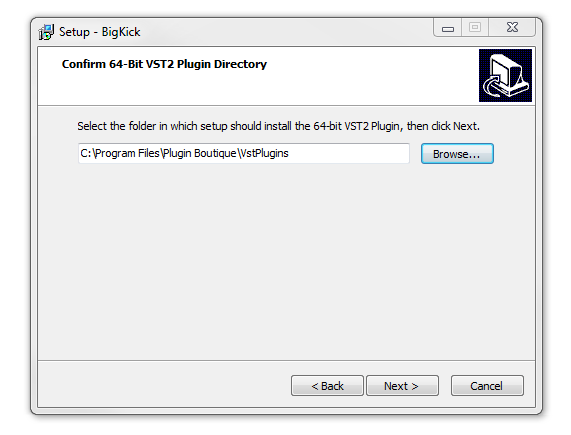
6. Choose and confirm the 64-bit plugin directory in which to save your software to > click ‘Next’.
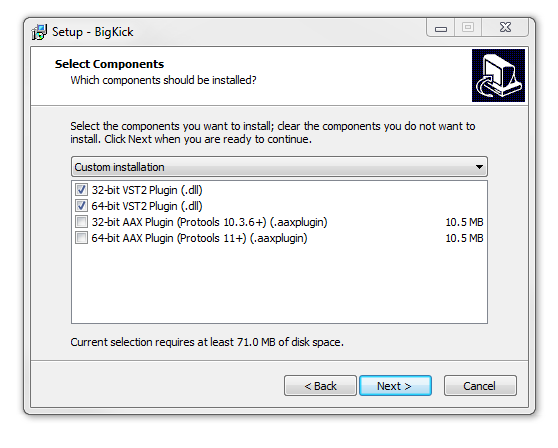
7. Select the component (s) that you wish to install > click ‘Next’.
8. Review the installation and click ‘Install’.
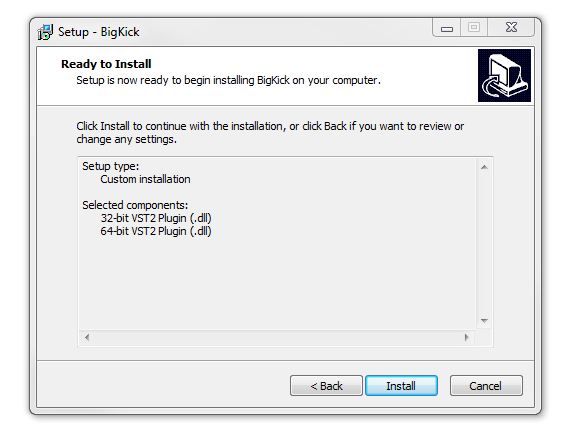
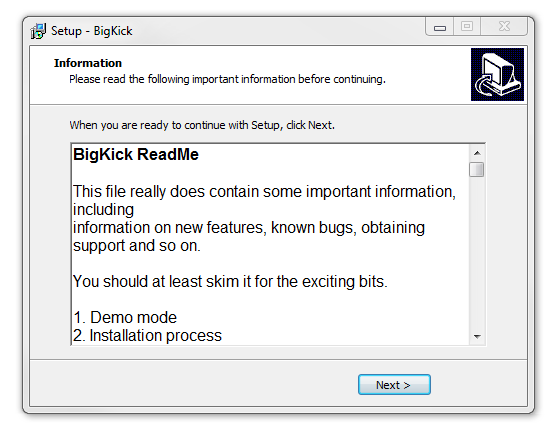
9. Read through the information > click ‘Next’.
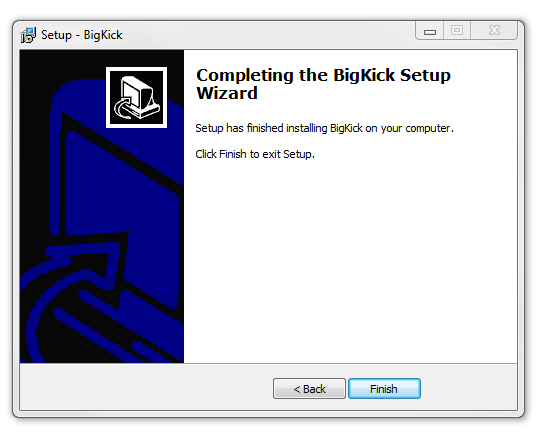
10. The installation of your software has successfully completed > click ‘Finish’.
11. Locate and open BigKick within your DAW.
Note: Restart your DAW and rescan your plugin selection, to show the new installation (in the event it fails to appear).
12. Copy the serial code from within your User Account, ensuring to include the ---START--- and ---END--- lines.
Example Serial...
---START---
32472140400000
"garry@pluginguru.com"
"Garry PluginGuru"
tctycbcu76d5hs8hxbxxe5a27fadcbc95d4b26ec01e631bcd756f81a69a
be88ffcd6902cf884c35b50c064e6adcc4ec46fd45112d32e84b6ce2c05
jxucycycyycycy8f1bd020c00ffe96542bfa37db1a1934a21a7ee7e6326
duididididididididi77777199b7398cc3f2760f98deaf453724098183
04f860926df40c1dc659
---END---
13. Click the ‘Info’ tab that is highlighted by the arrow on the plug-in’s interface.
14. Select ‘Paste License’ and then click the ‘Apply’ tab.
BigKick is now Activated and Ready for Use Within Your DAW!


 Log In


